
Over 1,000,000 downloads — and that number tells a clear story: organisations in Singapore and beyond rely on a proven way to publish events without extra work.
We connect your Google Calendar data directly to your website so teams stop duplicating entries. This integration reduces admin time and keeps event information accurate in real time.
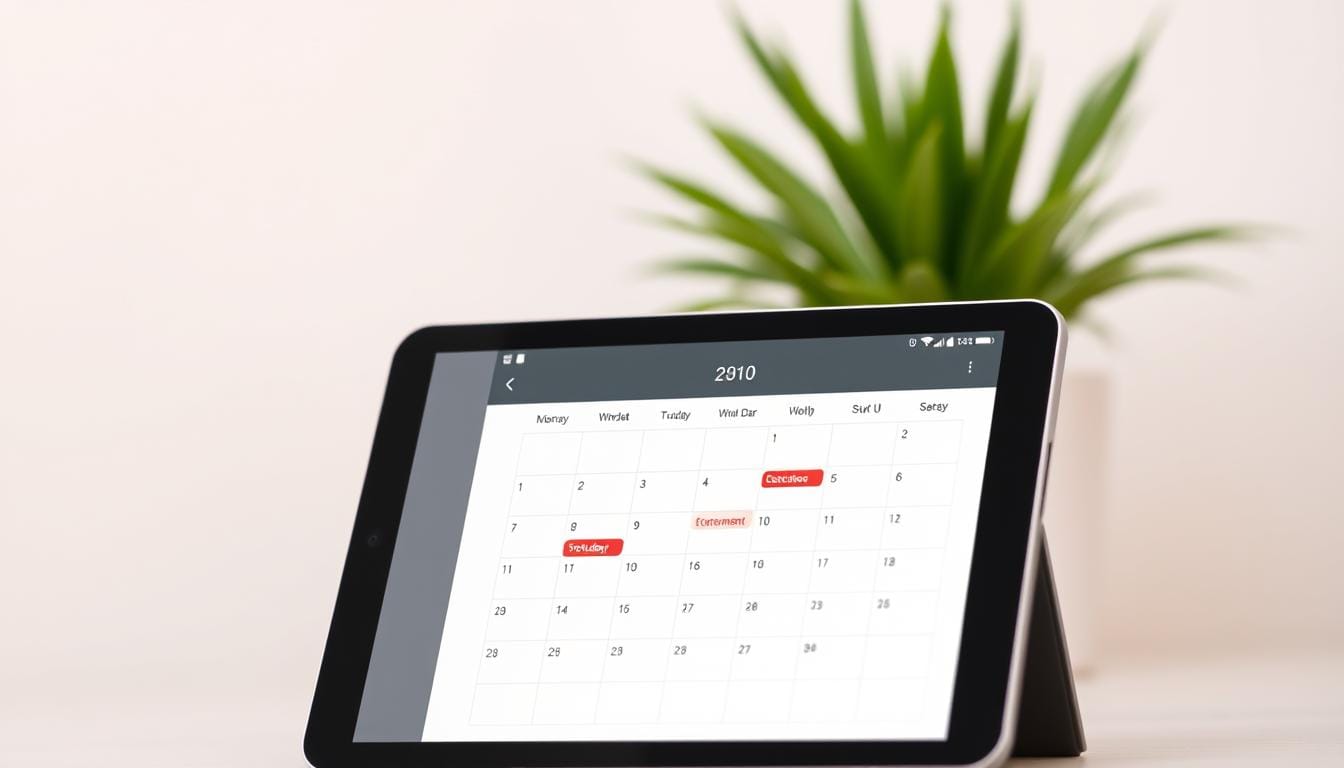
Out-of-the-box views—month, week, day, and list—give your audience control over how they see upcoming activities. Color coding and accessible styles help brand teams maintain consistency without code.
Our plugin is fully responsive with touch support, so events render smoothly on phones and tablets. For deeper needs, premium add-ons expand navigation and attendee detail without rearchitecting your site.
We provide professional support, clear documentation, and automatic updates — built for business reliability and ongoing stability. Read on to learn how this integration can simplify event publishing across your pages.
Key Takeaways
- Over one million downloads show scale and trust.
- Events sync from Google Calendar — no duplicate entry.
- Flexible views and color coding suit any audience.
- Fully responsive plugin with premium add-ons for growth.
- Professional support, documentation, and automatic updates.
Effortless event management for your WordPress site in Singapore
Publish events from your team schedule to your site in seconds — no extra entries or reformatting required. We built this tool for busy organisations across Singapore: businesses, schools, clubs, and community teams that already use Google Calendar.
Who this calendar plugin is perfect for
Administrators and communications teams benefit most. Add or edit an event in Google Calendar and the change appears on your website—reducing human error and saving time.
Schools can combine multiple schedules into a single list or grid. Clubs and teams can highlight fixtures with clear date and time markers. Businesses get the views they need—monthly overviews for planning, list views for quick scanning.
Streamlined workflows
The integration supports public and private google calendars via add-ons, and pairs with newsletter tools so events turn into shareable content. It’s mobile responsive, ensuring parents, staff, and customers access up-to-date information on any device.
Reliable support and clear documentation help teams deploy quickly without technical roadblocks. Whether you manage one calendar or many, this event calendar scales with your needs.
simple calendar wordpress features that simplify how you display events
Keep a single source of truth for events — we pull live Google Calendar feeds so your website shows current event information without extra entry.
Public calendars display immediately. With the Google Calendar Pro add-on, private calendars appear via secure OAuth. This removes manual updates and cuts admin time.
Multiple views let you present events by month, week, day, or list so visitors find the right level of detail fast.
Layouts are fully responsive and include touch support. Mobile users in Singapore can swipe days, tap events, and read start times instantly.
- Design control: color-coded events, template tags like [when] and [id], and out-of-the-box styles—no coding required.
- Advanced settings: time zones, local date/time formats, and start-of-week preferences for accurate scheduling across teams.
- Combine calendars: merge department or venue feeds into one unified view or categorize them for clearer navigation.
| Feature | Benefit | Use case |
|---|---|---|
| Native Google Calendar integration | Single source of truth; instant updates | Schools, venues, corporate events |
| Multiple views (month/week/day/list) | Flexible presentation for different audiences | Planners, attendees, visitors |
| Design & template tags | Quick branding and event layout control | Marketing pages and event listings |
| Advanced time & localization | Accurate dates across time zones | Hybrid teams and regional events |
We publish updates and maintain an open codebase on GitHub — your developers can review or extend the plugin while we handle updates and support.
Go further with premium add-ons: FullCalendar and Google Calendar Pro
Move beyond basic lists — enable fast navigation, private feeds, and richer event details with two powerful add-ons.
FullCalendar add-on
FullCalendar adds month, week, and day views with faster load times and configurable header buttons. It shows event titles and start times in the grid so visitors scan upcoming events quickly.
Set default start times, limit visible time ranges for business hours in Singapore, and control calendar heights with optional scroll bars. Multi-day event handling is intuitive across views.
Google Calendar Pro add-on
Google Calendar Pro uses secure OAuth to display private and public feeds. It surfaces Google event colors, attendees (names, avatars, RSVP), organizer details, and attachments — all without manual copying.
Unified experience and priority support
Use both plugins together to keep color-coded events consistent across every view. Premium plans include priority email support with rapid weekday responses to minimize downtime.
Upgrade to premium add-ons to turn your published schedule into a reliable, enterprise-grade event layer.
Setup, integration, and compatibility for your WordPress site
Get your event feeds live in minutes by choosing an API key for public access or OAuth for private feeds. We guide you through adding a new calendar in the dashboard and embedding it on any page using a shortcode or widget.
We support both WordPress.com and self-hosted sites—ideal for agencies and teams across Singapore managing multiple properties. The Event Calendar Newsletter integration converts your schedules into ready-to-send content, cutting formatting time for marketing teams.
License management is centralised in My Account. Activate by site URL and keep premium add-ons current with automatic updates. The free plugin updates through wordpress.org, while licensed add-ons require a valid key for one-click upgrades.
- Connect public feeds with an API key or secure private feeds with OAuth.
- Embed via shortcode or widget into landing pages, sidebars, or event hubs.
- Configure time zone, date format, and start-of-week to match local needs.
- Use list or grid views depending on the page and audience.
Our documentation and support walk you through OAuth setup, embedding best practices, and update workflows—so teams focus on events and content, not maintenance.
Trusted by over 1,000,000 downloads with support you can count on
Trusted by over one million users, our plugin powers mission-critical event pages across schools, municipalities, nonprofits, and businesses. That scale shows the tool works in real-world settings and under pressure.
Social proof: real-world use in diverse organisations
Schools and local governments use our software to publish accurate calendar events for parents and residents. Nonprofits and businesses rely on reliable views and clear date formatting for public pages.
Awesome support and documentation
We maintain a documentation hub at docs.simplecalendar.io and offer responsive email support. Premium customers receive priority weekday replies within 24 hours.
Regular updates and changelog transparency
Our team ships frequent updates for compatibility — PHP 8+ and the latest WordPress — and security fixes such as XSS and CSRF patches. The changelog is public so IT teams can plan maintenance with confidence.
“Ease of setup and helpful support” — common feedback from users.
Conclusion
Publish dependable event pages that update automatically when your team changes a schedule. We provide a reliable way to display event information from Google feeds without extra code. That reduces errors and saves admin time for teams in Singapore.
You can present schedules in a month grid, concise list views, or other views that suit each page. With Calendar Pro and FullCalendar add-ons, you gain OAuth support, color-coded clarity, and faster navigation for private and public feeds.
Start with a pilot calendar, gather feedback, and scale. Our documentation, timezone and date settings, and regular updates help you standardize event publishing with confidence.
FAQ
What is Simple Calendar WordPress and who is it best for?
Simple Calendar WordPress is a plugin that syncs Google calendars with your website to display events. We recommend it for businesses, schools, clubs, and teams that need an easy, reliable way to show upcoming dates without duplicating entry work across platforms.
How does Google Calendar integration work?
The plugin connects to Google Calendar via an API key or OAuth. Public and private calendars can be shown — private feeds use secure OAuth through the Google Calendar Pro add-on so you can display attendees, organizers, and attachments safely.
Which views can we show on our site?
You can display month, week, day, and list views. The FullCalendar add-on adds faster navigation and configurable headers for a richer month/week/day experience, while the default list view is ideal for content pages and newsletters.
Can we combine multiple Google calendars into one view?
Yes. You can merge multiple Google calendars into a single combined view and use categories or color-coding to distinguish sources — making it simple for visitors to filter events by team, department, or type.
Is the plugin mobile-friendly and responsive?
Yes. The display is fully responsive with touch support. It adapts to phones, tablets, and desktops so users get a consistent experience across devices.
What design controls are available without coding?
We offer color-coded events, built-in styles, and template tags that let you adjust appearance and layout without editing code. Advanced users can still extend templates when needed.
How do time zones and date formats work?
You can set time zones, date/time formats, and the start-of-week preference in settings. These options ensure events display correctly for your audience, whether local or international.
What do premium add-ons provide?
Premium options like FullCalendar and Google Calendar Pro add richer views, private calendar support, event colors, attendee and organizer details, attachments, and priority email support for growing teams.
How do we set up the plugin on our site?
Setup is quick: obtain an API key or enable OAuth, add a new calendar from the plugin interface, and embed it using a shortcode or widget. The plugin supports WordPress.com and self-hosted installations.
Can this integrate with our newsletter system?
Yes. The plugin integrates with Event Calendar Newsletter tools so you can turn events into content and automate mailing lists for subscribers.
How are updates, licensing, and support handled?
We provide instant updates, clear license management, and easy multi-site upgrades. Paid tiers include priority email support and regular changelogs covering security, performance, and new features.
Is the plugin open source and translation-ready?
The codebase is open on GitHub and translation-ready, which helps teams localize strings and contribute improvements.
How secure is displaying private calendar data?
Private calendar display requires OAuth via the Google Calendar Pro add-on. OAuth ensures data access is authorized and revocable, protecting attendee and attachment details while keeping your site secure.
Do you offer documentation and examples for developers?
Yes. We maintain comprehensive documentation, code examples, and an active team that supports implementation — from template tags to advanced filter hooks.
How widely used is this plugin and who trusts it?
The plugin has over one million downloads and is used by schools, municipalities, nonprofits, and businesses. That broad adoption reflects reliability, regular updates, and strong community support.

Comments are closed.